Use the Scratchpad
The Scratchpad is a text-editing area alongside the map canvas. Use it for notes, source passages, instructions, or other text associated with a map.
To open or close the Scratchpad, select the Scratchpad control on the right side of the workspace. On Windows, you can instead press Shift+Alt+S; on Mac, press Shift+Option+S.
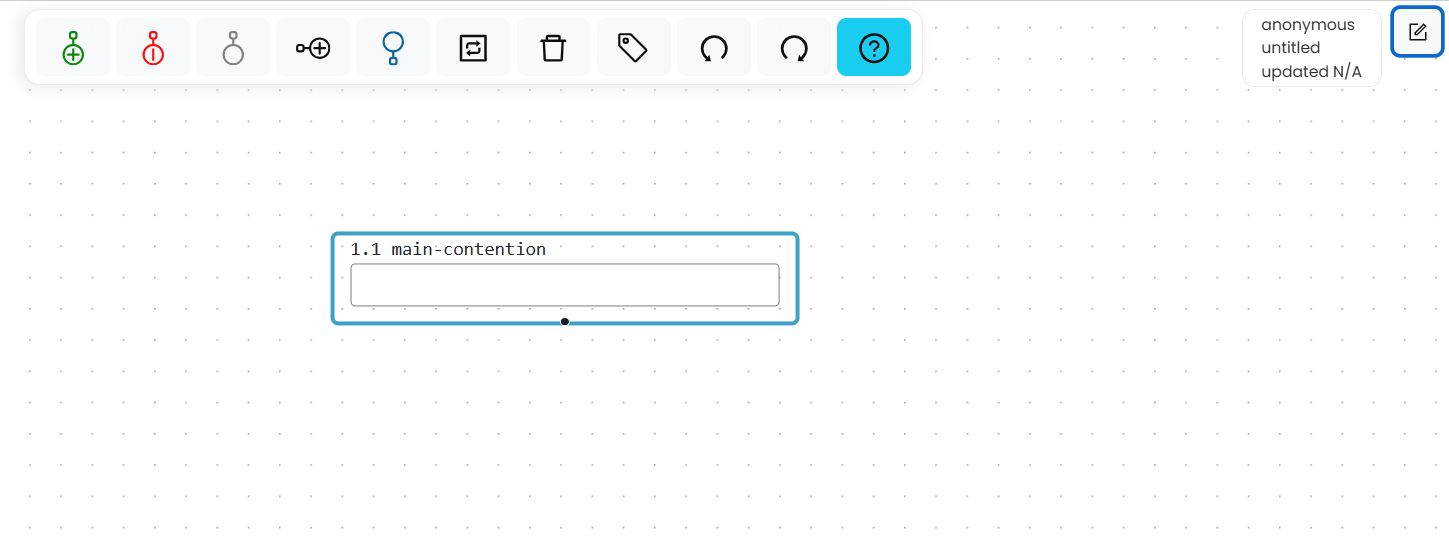
Select the Scratchpad control at the upper right of the workspace.
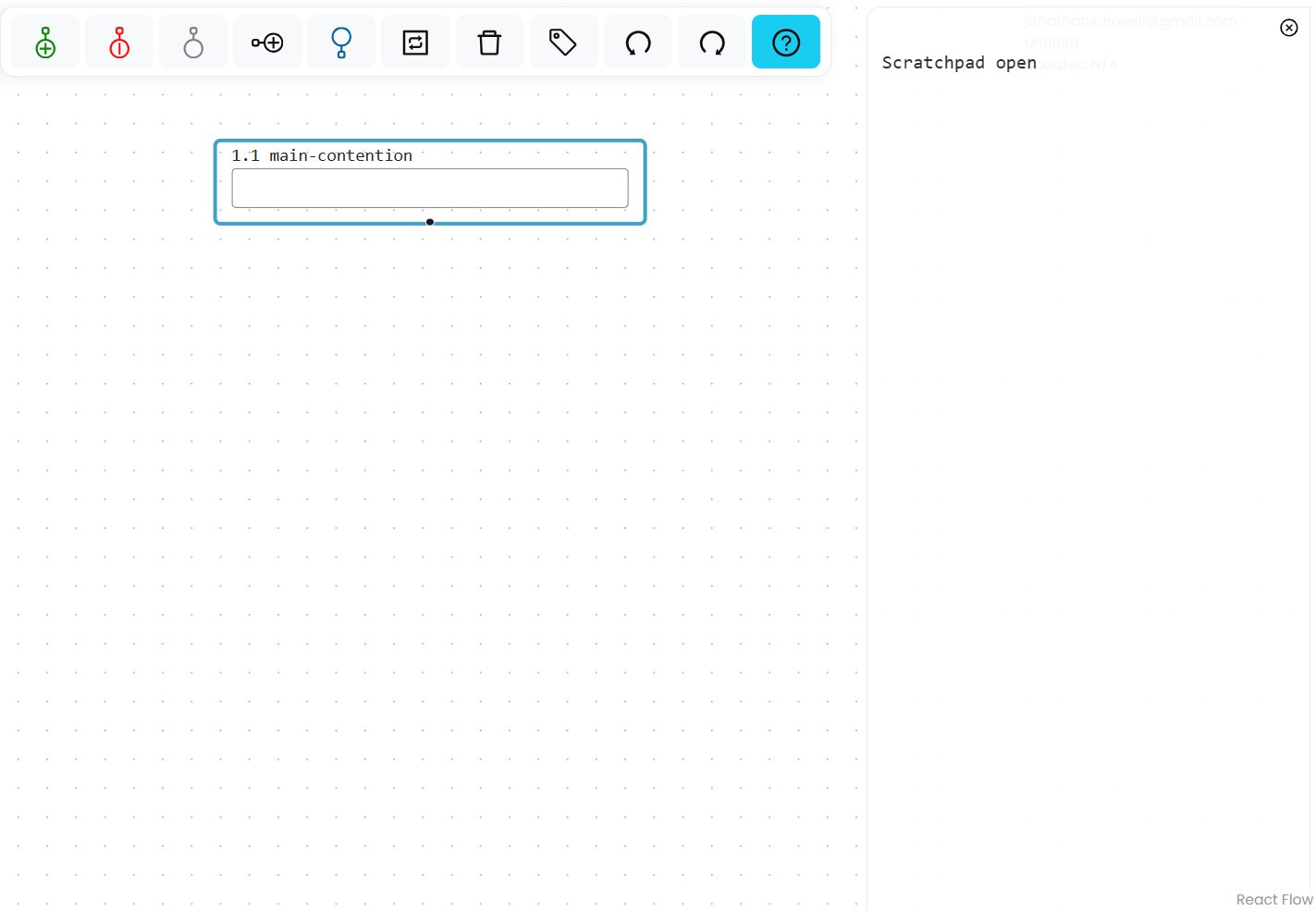
The open Scratchpad appears alongside the map canvas.
Text in the Scratchpad is saved and shared with the map. Questions and assignments also use the Scratchpad to display question prompts, student notes, solutions, and instructor feedback.