Work with Teaching Assistants
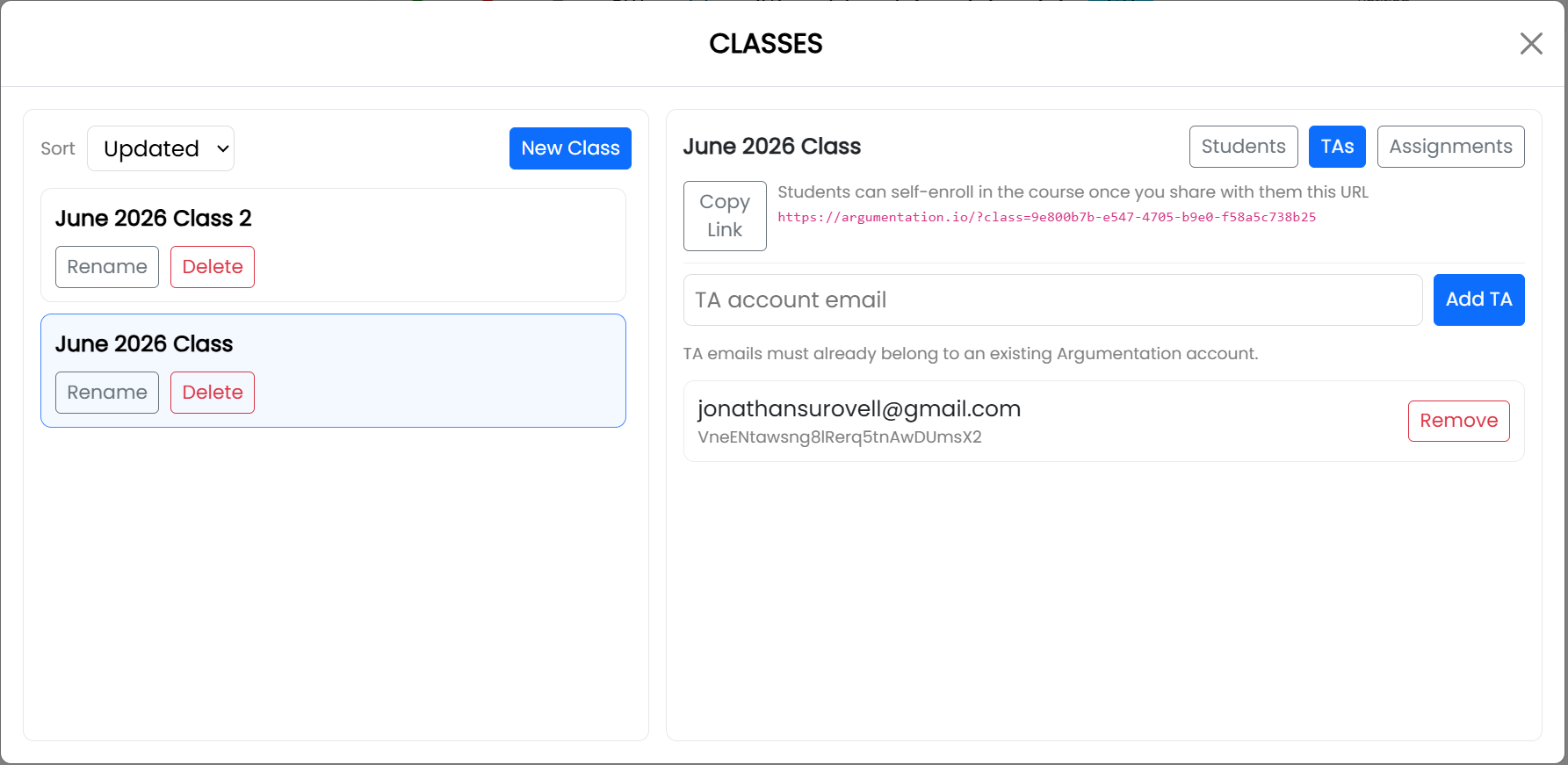
Add a teaching assistant (TA) to a particular class from the Classes window. The TA must already have an Argumentation.io account.
Add a TA
- Open Main Menu and select Classes.
- Select the relevant class.
- Select the TAs tab.
- Enter the email address associated with the TA’s Argumentation.io account.
- Select Add TA.
The TA’s account appears in the class’s TA list.
Remove a TA
Open the TAs tab for the class and select Remove beside the TA’s account.